Table of Contents
- Texas Divorce Decree Requirements: What Must Be Included
- Step-by-Step: How to Fill Out Your Divorce Decree
- Uncontested Divorce Forms Texas: Filing With the District Clerk
- Common Errors in Divorce Decrees and How to Fix Them
- Notarization, Witnesses, and Service of Process Explained
- Get Help With Your Texas Divorce Decree
- Frequently Asked Questions
Why Filling Out Texas Divorce Decree Forms Correctly Matters
A single clerical error on your final decree can send your entire case back to the end of the line. Texas courts process thousands of pro se filings each year, and judges routinely reject documents with mismatched names, incorrect dates, or missing notarized signatures. The cost is weeks of delay and the frustration of redoing work you thought was finished.
Filling out Texas divorce decree forms correctly is the difference between a smooth final hearing and a rejected filing. When you file as a self-represented litigant, the court clerk does not review your paperwork for accuracy; that responsibility sits entirely with you.
Below, we walk through the statutory requirements, the step-by-step drafting process, and the specific errors that cause rejections.
Texas Divorce Decree Requirements: What Must Be Included
Texas divorce decree requirements are defined by the Texas Family Code, and the court will not accept a decree that omits them. Your final decree is the court order that ends your marriage, so it must address every issue the court has jurisdiction over, including division of community property and debts, and any orders involving children.
For couples with minor children, the decree must establish joint or sole managing conservators, set a visitation schedule, and determine child support. For those without children, the decree still must divide all community property and debts. The document must name the petitioner and respondent exactly as they appear on the divorce petition.
A common misconception is that a notarized signature from both spouses is enough. The decree only becomes a court order when the judge signs it; your signatures merely confirm your agreement.
Step-by-Step: How to Fill Out Your Divorce Decree
Start by reading the entire form before writing anything; most errors happen when people draft section by section without understanding how each part connects.
- Verify the case header. Match the cause number, court name, and the exact legal names of both parties to your original divorce petition. Any mismatch here is grounds for rejection.
- Confirm marital details. State the date of marriage and the date of separation precisely. These dates determine how community property is classified.
- Address children first. If you have minor children, the decree must name the conservators, set the visitation schedule, and state child support terms before you move to property division.
- Divide property and debts. List each asset and liability individually. A decree that says “all property divided equally” without listing the property is too vague for a judge to sign.
- Review for consistency. Every term in the decree must match the agreements in your divorce settlement. If your parenting plan says one thing and the decree says another, the court will reject it.

Once drafted, read the entire document aloud to catch awkward phrasing that could create ambiguity and invite future disputes.
Uncontested Divorce Forms Texas: Filing With the District Clerk
Filing your final decree is not the same as getting it approved. The district clerk’s office is the first checkpoint, and their role is administrative, not legal. They check that your documents are complete, your cause number matches, and your filing fee is paid, but they will not tell you if your property division is fair or if your parenting plan meets Texas Family Code standards.
E-Filing vs. Paper Filing: What Actually Happens at the Clerk’s Office
Most Texas counties now require e-filing for attorney-represented cases, and many extend that requirement to self-represented litigants. The state’s electronic filing manager (EFM) system, operated through providers like Tyler Technologies’ Odyssey or Thomson Reuters’ eFileTexas, is the standard gateway. When you e-file, you upload a PDF of your decree, pay the filing fee online, and receive an immediate confirmation receipt with a timestamp that establishes the official filing date and triggers the 60-day waiting period.
Paper filing is still available in most rural counties, but it is slower and riskier. You must deliver the original signed decree plus at least two copies to the clerk’s office, which stamps the original with the filing date and returns one copy as your receipt. If you mail the documents, use certified mail with return receipt requested; a lost filing means your case has no official start date.
County Fee Schedules and Waivers
The filing fee for a divorce in Texas varies by county. Check the district clerk’s fee schedule on your county’s official website before you file.
If you cannot afford the fee, you can request a waiver using the Statement of Inability to Afford Payment of Court Costs form, which requires you to list your income, assets, and expenses. A judge reviews the waiver; if denied, you must pay the full fee before the clerk will file your decree.
The Clerk’s Review Process: What They Check and What They Ignore
When you submit your decree, the clerk performs a cursory review, verifying that the cause number matches your petition, that the case caption names the same parties, and that the document includes a certificate of conference if required by local rules. They do not read your property division for completeness, check whether your child support follows state guidelines, or confirm that your notary block is properly worded; those errors surface later at the final hearing or when the judge reviews the proposed decree.
A common point of confusion is the difference between filing the petition and filing the decree. The petition opens your case and assigns the cause number; the decree closes it. Between those events, you must complete service of process, wait out the 60-day period, and attend a final hearing.
What Happens When the Clerk Rejects Your Filing
If the clerk rejects your e-filed decree, you will receive a notice explaining the reason, such as an incorrect cause number, a missing signature page, or a PDF that is not text-searchable. The clerk does not call to explain the problem; you must read the rejection notice carefully and correct the issue before resubmitting. Each rejection adds days to your timeline because resubmissions are processed on a first-in, first-out basis.
Paper filings face a different rejection path. The clerk may hand the documents back at the counter and point out the problem, or they may accept the filing and send a letter later. If the clerk accepts a defective decree, the judge may still refuse to sign it at the final hearing, meaning you must prepare a corrected decree and schedule another hearing date.
Before you file, call the district clerk’s office in your county and ask two questions: (1) Is e-filing required for self-represented litigants? (2) What is the current filing fee? The answers will save you a rejected submission.
Common Errors in Divorce Decrees and How to Fix Them
A rejected decree is not the end of your case, but how you respond determines whether you lose days or weeks. The most common errors fall into three categories, clerical mismatches, substantive omissions, and procedural defects, each requiring a different fix.
Clerical Errors: The Easiest to Make and the Easiest to Fix
The most frequent rejection reason is a clerical mismatch between your decree and your original petition, a transposed cause number, a missing middle initial, or an abbreviated county court name. These errors are easy to fix but require a formal correction process.
If the clerk rejects your decree before filing, you simply correct the error and resubmit. If the judge has already signed the decree and you discover a clerical error later, you cannot just cross it out. Texas Rule of Civil Procedure 316 allows the court to correct clerical errors, but you must file a motion requesting the correction, meaning another court appearance and filing fee. The better path is to prevent the error by cross-checking every field against your original petition before you submit.
Substantive Omissions: The Costly Mistake
A decree that fails to divide a specific asset or debt creates a legal problem a simple correction cannot solve. Under Texas law, property not mentioned in the decree remains community property owned jointly by both former spouses. This is called an omitted asset, and fixing it requires a post-judgment suit to divide the omitted property, a new lawsuit, not a motion to correct, involving new filing fees, potential attorney fees, and a judge who must decide how to divide property you both already agreed on.
To avoid this, create a comprehensive checklist before you draft the decree. List every bank account, retirement plan, vehicle, piece of real estate, credit card, loan, and personal item of value. Go through your last two years of tax returns and bank statements to identify accounts you may have forgotten. A retirement account from an old employer is easy to overlook, but omitting it means your ex-spouse retains a legal claim to it.
Procedural Defects: Notarization and Signature Issues
The most frustrating rejection reason is a procedural defect that could have been prevented with a single check. The most common is a missing or improperly worded notary block. Texas law requires a specific acknowledgment form for documents that transfer real property or waive service. If your notary uses the wrong acknowledgment wording, the document is invalid even if the notary seal is present.
Another procedural defect involves signature pages. Some decrees require both spouses to sign, while others only require the petitioner’s signature if the respondent defaulted. If you include a signature line for a spouse who did not appear, the judge may reject the decree as procedurally improper. Review the court’s standing orders for your county to confirm which signatures are required.
How to Fix a Rejected Decree Without Losing Your Hearing Date
If your decree is rejected, act immediately. Call the district clerk’s office to confirm the rejection reason and ask whether a corrected filing can be submitted before your scheduled hearing. Some counties allow same-day resubmission if you bring the corrected document in person. Others require a new filing date, which pushes your hearing back.
For e-filed rejections, the correction process is faster. You will receive an electronic notice with the rejection reason. Correct the document, resubmit it through the same EFM portal, and pay any additional filing fee if required. The clerk’s office typically processes resubmissions within one to two business days.
| Common Error | Why It Happens | How to Fix It | How Long the Fix Takes |
|---|---|---|---|
| Name or date mismatch | Copying from memory instead of the petition | Cross-check every field against your original filing | 1-2 business days for resubmission |
| Missing property or debt | Overlooking accounts during drafting | File a post-judgment suit to divide omitted property | 30-90 days for a new court date |
| Improper notarization | Signing before the document is complete or using wrong acknowledgment wording | Re-notarize with the correct form and resubmit | 1-2 business days if caught before hearing |
| Vague property language | Using general terms instead of specifics | File a motion to clarify or modify the decree | 2-4 weeks for a hearing |
| Missing signature from defaulting spouse | Including a signature line for a spouse who did not appear | Remove the signature line and resubmit | 1-2 business days |
If your decree is rejected after the judge has already signed it, do not attempt to alter the document yourself. Any unauthorized change to a court order can be considered tampering with a legal document. File a motion with the court instead.
Notarization, Witnesses, and Service of Process Explained
Texas law does not require witnesses to sign your divorce decree, but it does require notarized signatures on certain documents, including the waiver of service. A notary public must witness your signature and confirm your identity, and their seal must appear on the document. Without that seal, the waiver is invalid and the court cannot proceed.
Service of process is a separate requirement. The respondent must either be formally served with the divorce petition or sign a notarized waiver of service acknowledging they received it. A waiver of service is the standard path in an uncontested divorce because it avoids the cost and delay of hiring a process server.
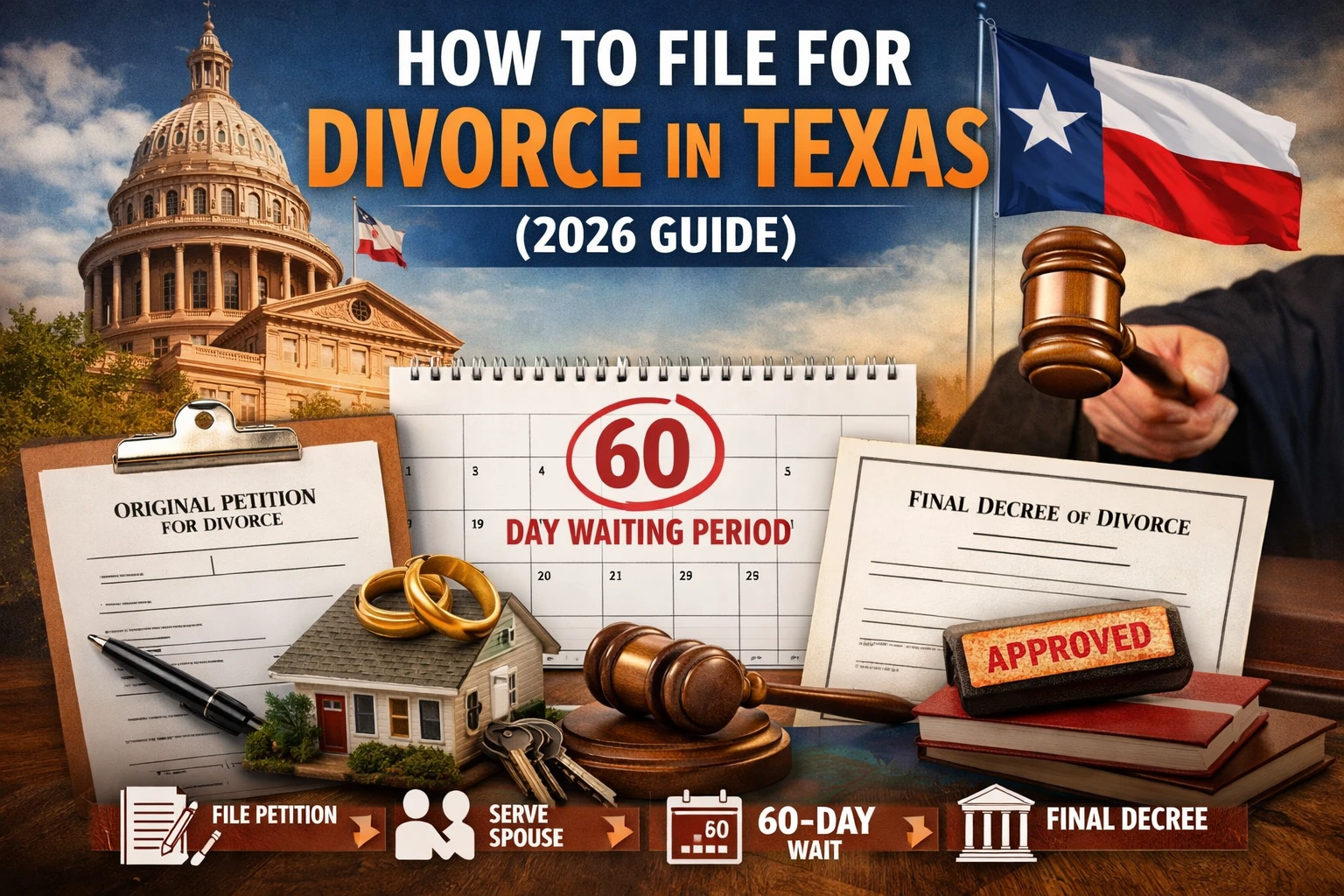
The 60-day waiting period in Texas begins when the petition is filed, not when the respondent signs the waiver. During this window, the court cannot grant the divorce, which gives both parties time to finalize agreements. Use this period to review your decree one final time for accuracy.
Get Help With Your Texas Divorce Decree
Drafting a decree that a judge will sign without revision requires attention to detail and familiarity with Texas family law. One missed field or an improperly notarized signature can cost you weeks. If you are just starting the divorce process, Ready Divorce Service specializes in preparing uncontested divorce documents that comply with state law, and we review every form for accuracy before you file. Our step-by-step guidance covers the entire process, from the initial petition through the final hearing, so you never face the paperwork alone. We also assist Spanish-speaking clients with a real person who can answer questions in Spanish, not just translated forms. Pricing depends on the package you select, and our website provides current details. Start with our questionnaire to see which plan is right for you, and let us handle the rest.
Frequently Asked Questions
Does a divorce decree need to be notarized in Texas?
Yes, in most cases your signature on the Final Decree of Divorce must be notarized, especially when you are filing as a pro se litigant. The notary confirms your identity and that you signed voluntarily. If you and your spouse have an agreement, both signatures typically need notarized signatures. Check the specific requirements for your county, as some courts have additional local rules.
What is the biggest mistake people make when filling out divorce forms in Texas?
The most common errors in divorce decrees include misspelled legal names, incorrect dates, and mixing up which spouse receives which piece of community property. Another frequent mistake is forgetting to state how debt division will work. These clerical errors can cause the district clerk to reject your filing, which delays the entire process. Always review every line for accuracy before submitting.
What is the format for a divorce decree in Texas?
Texas requires the Final Decree of Divorce to follow a specific structure set by the Supreme Court. The document must identify the petitioner and respondent, state the grounds for divorce, and include provisions for the division of community property and debts. If you have minor children, the decree must also establish a visitation schedule and child support. Using the official forms ensures legal compliance with state requirements.
Can I file my Texas divorce decree online or do I have to go to the courthouse?
Many Texas counties now accept digital filing through the district clerk’s e-filing system, but paper filing is still an option in all counties. The choice depends on where you live. Digital filing is often faster and provides a receipt of submission. If you file by mail or in person, you must pay the filing fee and keep a copy for your records. Check your county’s website for specific instructions.
Filing for divorce is stressful enough without worrying whether your paperwork will be rejected. The right preparation eliminates that uncertainty. Ready Divorce Service provides affordable, court-compliant document preparation with step-by-step guidance and full compliance with Texas law. Get started with Ready Divorce Service and complete your divorce paperwork with confidence.
This article was written using GrandRanker